iPhone Front Camera Repair Cost: What to Check First
[Repair_All brand="Apple"]Your iPhone still works, but selfies are blurry, FaceTime shows a black screen, or Face ID has stopped recognising you. First, check whether the problem is an obstruction, an app issue or a hardware fault.
At Phone Repair Direct, we recommend confirming what’s behind the issue before deciding what to do next.
Start with a few safe checks to narrow down the cause.
Key takeaways before comparing repairs
- A black or blurry selfie preview doesn’t prove the front camera needs replacing.
- The selfie camera and Face ID perform different jobs, so both need testing.
- Confirm what’s causing the fault and ask what work the proposed fix includes.
- Back up your phone before handing it over, even if everything apart from the camera still works.
What can cause an iPhone camera fault?
The work needed for camera repair depends on your exact model and the diagnosed fault. A cracked surface above the camera, a damaged camera module and a TrueDepth sensor problem can need different work.
Front camera replacement versus TrueDepth repair
The front camera captures selfies and video calls. On Face ID-equipped iPhones, the nearby TrueDepth system also uses sensors to recognise your face.
Service descriptions may refer to a “front camera replacement” or a “TrueDepth replacement”. These don’t automatically cover identical work.
Ask whether the assessment covers image capture, Face ID, or both. Explain whether either function worked immediately after the accident. This helps clarify whether the fault affects only the camera or a wider sensor system.
Model, impact damage and additional faults
An iPhone fault after a drop may involve the camera, its thin connecting cable, or another part near the top of the display. Intact glass doesn’t rule out internal damage.
A bent frame, liquid exposure or several failed functions can affect the diagnosis. We recommend checking the whole handset before approving work.
Our guidance on why repair quotes change explains why the diagnosis may change after inspection. Agree how the repairer will seek your approval if they discover additional damage.
Safe checks before paying for camera repair

A dirty protector can spoil selfies without damaging the selfie camera. However, a persistent fault immediately after an impact deserves closer attention.
Rule out obstruction and app problems
Try these checks once, provided the phone isn’t wet, swollen or unusually hot:
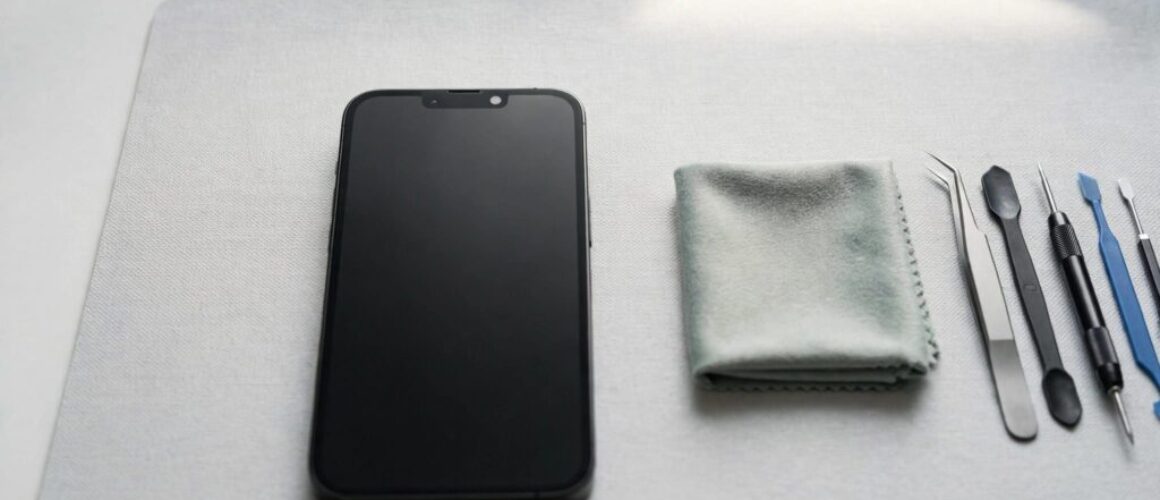
- Wipe the camera lens area with a clean microfibre cloth and remove any case or protector covering it.
- Close and reopen the Camera app, then restart the phone.
- Compare the front camera with the rear camera, in photo and video modes.
- Test the selfie camera in another app, checking that the app has camera permission.
If only one app fails, investigate that app before approving hardware work. If the fault persists across apps, tell the repairer, as it may need a camera repair assessment.
Avoid pressing the screen, shaking the phone or trying to open it. Those actions can make an existing fault worse.
Notice symptoms beyond the camera
Screen or display fault symptoms include coloured lines, black patches, flickering and unreliable touch. These need separate attention, even when the camera preview also looks wrong. A screen replacement won’t automatically fix a separate camera fault.
Likewise, a device that won’t turn on or won’t charge needs broader diagnosis. You can’t confirm a camera fault while the handset itself isn’t functioning.
A common workshop pattern is blurry selfies after a drop despite unbroken glass. We check the surface above the camera, its position and nearby connections before deciding what needs replacing.
Our photos-before-posting checklist helps you document intermittent symptoms.
Why Face ID needs its own diagnosis

The top sensor area contains delicate components. A working selfie camera doesn’t confirm that every part of the Face ID system is healthy.
A usable selfie camera can coexist with failed Face ID
If selfies work but Face ID won’t set up, don’t describe the problem solely as a camera fault. Face ID repair needs a separate diagnosis from image-capture problems. Tell the repairer the exact message shown under Settings, Face ID & Passcode.
For example, a message about a problem with the TrueDepth camera is different from occasional difficulty recognising your face.
Cracked glass or a badly positioned protector can obstruct the sensor area. Removing an obstruction may help, but cleaning won’t repair a damaged internal sensor.
A quote that restores selfies may leave Face ID unresolved unless the repair scope includes that fault.
Replacement parts may need calibration
Calibration lets the phone recognise and correctly use a replacement component. Apple explains in its front camera repair guidance that Face ID can’t operate until replacement camera calibration is complete.
On iPhone 14 and later, Apple also says a replaced camera won’t work until repair completion or restoration.
Apple’s Repair Assistant guidance describes how supported devices install calibration data after replacement.
Ask the repairer how they plan to handle calibration and test Face ID afterwards. This is a different repair scope from a screen replacement.
What to ask before agreeing to a repair
A clear diagnosis matters more than a brief description of the proposed work. Before handing over your phone, check what testing has found and what the repair includes.
Establish what parts and work are included
Ask whether the replacement parts are genuine Apple parts, previously used genuine components or aftermarket alternatives. “OEM quality” doesn’t, by itself, tell you which one you’re getting.
Ask whether the camera repair includes inspection, labour and calibration. Check what happens if testing identifies a different fault from the one you reported.
These details help you understand the proposed work.
| Proposed work | Question to ask |
|---|---|
| Front camera replacement | Does testing point to the selfie camera alone, or is Face ID also affected? |
| TrueDepth repair | Which failed component has testing identified? |
| Genuine replacement part | Is it new or previously used, and how is calibration completed? |
| Camera warranty | What faults are covered, and what exclusions apply? |
A clear description of the diagnosis and repair scope helps you understand what the technician plans to do.
Clarify warranty and parts messages
Ask for the repair warranty in writing. Don’t assume a screen warranty also applies to cameras, or that every repairer offers identical cover.
Third-party work doesn’t automatically cancel every aspect of Apple coverage. However, an independent provider’s repair isn’t covered by Apple’s warranty or AppleCare plans; the provider may offer its own warranty.
Before repair, record any existing warnings. Apple’s Parts and Service History guidance explains where supported iPhones show repair information.
Our guide to parts messages after repair helps distinguish a recorded replacement from a message needing attention.
Protecting your data and preparing the phone
A camera fault doesn’t mean your existing photos have disappeared. If the phone still works, check your photo library and back it up before arranging a repair.
Use iCloud or a computer backup, then check that it completed. Also confirm that important photos have finished syncing rather than assuming they’re already elsewhere. Backing up is different from data recovery, so don’t assume missing files can be restored.
Avoid a factory reset as your first response to an impact-related fault. It can erase information without fixing damaged hardware.
We recommend recording the camera symptoms, Face ID behaviour and any existing warnings to explain at handover to a local repair shop. Note whether the fault began after a drop, a spill, an update or an earlier repair.
Ask how the repairer handles passcode access and whether testing might require restoration. Never provide your Apple Account password, and discuss any account-related preparation separately.
Our guidance on preparing your iPhone for repair covers account protection and testing considerations.
For postal repair, use a sturdy box with enough cushioning to prevent movement. Include your order details and a short fault description.
Phone Repair Direct offers UK-wide mail-in repair with free tracked Royal Mail postage and £750 transit insurance. We also offer appointment-only drop-offs at our Harlow, Essex workshop and local doorstep collection where available.
We aim to provide same day repair when the device arrives, but diagnosis and parts availability can affect timing.
Deciding whether repair is worth it
Compare the confirmed repair scope with the condition of the whole phone. A handset with reliable charging, a usable battery and no other damage is different from one needing a battery replacement or charging port repair.
Also consider how you use it. A failed selfie camera may interrupt daily video calls, whilst another person may rarely need it. Losing Face ID can be more disruptive, particularly if you use it frequently.
We wouldn’t replace an otherwise useful phone solely because the camera preview looks alarming. First establish whether camera repair is for an isolated fault.
However, corrosion, frame damage or several component failures can change the decision. Ask for the overall assessment before paying for one repair at a time.
Apple’s Self Service Repair programme provides genuine parts, tools and manuals for experienced users. It doesn’t make a delicate camera repair a sensible first DIY project.
Camera repair questions
Can the repair be completed the same day?
Sometimes, but it depends on the fault, parts availability and calibration requirements. A straightforward replacement differs from liquid damage or an unresolved Face ID problem.
For postal work, repair time and delivery time are separate. Ask about both before making plans around the return date.
Will camera repair erase photos and apps?
Don’t assume either that everything will disappear or that retention is guaranteed. Ask whether the proposed work involves restoration, handset replacement or another step affecting stored data.
Back up first whenever possible. If you can’t access the phone, explain that before authorising work.
Can the camera be fixed without replacing it?
Sometimes the problem is an obstruction, an app issue or a connection fault. Other cases need replacement hardware, so camera repair should be based on a diagnosis.
We recommend approving work based on diagnosis rather than symptoms alone. A black preview identifies the problem you can see, but it doesn’t identify the failed part.
Get the fault confirmed before choosing a repair
A proper diagnosis should confirm the fault and explain any parts, calibration and warranty involved. Safe checks can rule out simple causes, but persistent symptoms need proper testing.
Back up any accessible data and record whether Face ID still works.
If you’d like Phone Repair Direct to assess it, use Book a Repair and include those symptoms with your model details. We’ll explain what needs attention before you decide.